Spotify & Song Requests
Control playback, manage requests and display what's playing with customisable on-stream widgets.
Free. Local. Your computer. Your stream. Your tools. Your data.
No external bot service. No monthly subscription.
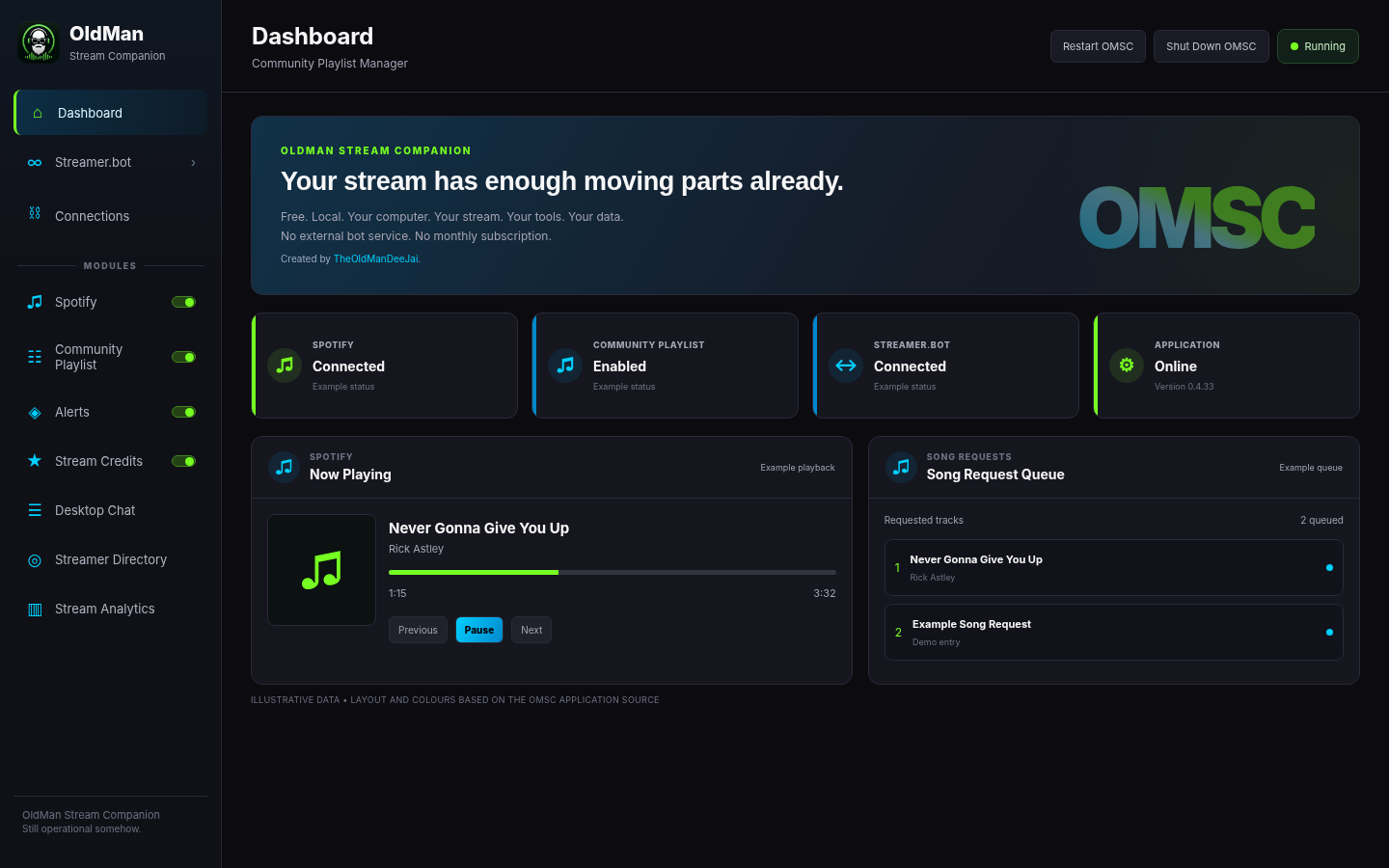
Dashboard layout based on the OMSC interface · Demonstration values · View larger
Spotify & Song RequestsPick the tools that suit your stream. OMSC brings them together in one place.
Control playback, manage requests and display what's playing with customisable on-stream widgets.
Build your own sound and video alerts, customise playback and manage viewer-triggered moments.
Keep Twitch chat close with a movable, click-through overlay for borderless fullscreen games.
Let your community contribute music while retaining moderation tools, history and contributor credits.
Recognise the people behind your stream with flexible layouts and animated on-stream credits.
Opt in to discover other OMSC streamers and see who's live in the community.
Connect OMSC with Streamer.bot for Twitch chat commands, Channel Point redeems and stream event tracking.
Download Streamer.botOMSC saves stream session history locally for Stream Analytics, and records supporter activity and events locally for your Stream Credits display.
And there's more: Stream Analytics, command management, Backup & Restore and additional stream tools.
From music displays to alerts and credits, explore the tools you can configure for your stream.
Explore just a few of OMSC’s music widget layouts in action: Equaliser Tower, Vinyl Player, Spectrum Ring and Classic. The previews use demonstration track information, not a live Spotify connection.
Use your own audio and video files or search and download video clips directly from the Creati online library. OMSC stores your media locally, giving you complete control over your custom stream alerts. Create Twitch Channel Point redeems so viewers can trigger your alerts, and customise playback, appearance and presentation, including optional chroma keying. Try the sample sound or watch a real video alert in action.
Watch OMSC's actual Perspective Crawl, Spotlight, Retro Arcade, Terminal and Classic Roll layouts. In your installed app, Stream Credits uses locally recorded stream activity and supporters. This website preview uses sample names.
Spotify, Stream Credits and Alerts use their original OMSC widget renderers with website-only demonstration data. Alert videos are original silent sample media.
Connect with other streamers, share ideas, get support and help shape the future of OMSC.
Need help getting set up? The OMSC Discord is the best place to ask.
Visit community supportYes. OldMan Stream Companion will be free to use. The public Windows download is coming soon.
Desktop Chat supports borderless fullscreen. Exclusive Fullscreen is not supported; switch the game to Borderless Fullscreen when using the overlay.
OMSC provides browser-source widgets you can add to OBS. Configure them in the application and use the relevant browser-source URL in your scene.
Join the OMSC Discord community to ask questions, report problems and share feature suggestions.
We're preparing the public Windows release of OldMan Stream Companion. The app will be free to use, run locally on your computer, and have no monthly subscription.
No public installer is available yet. We'll enable downloads here when it's ready.